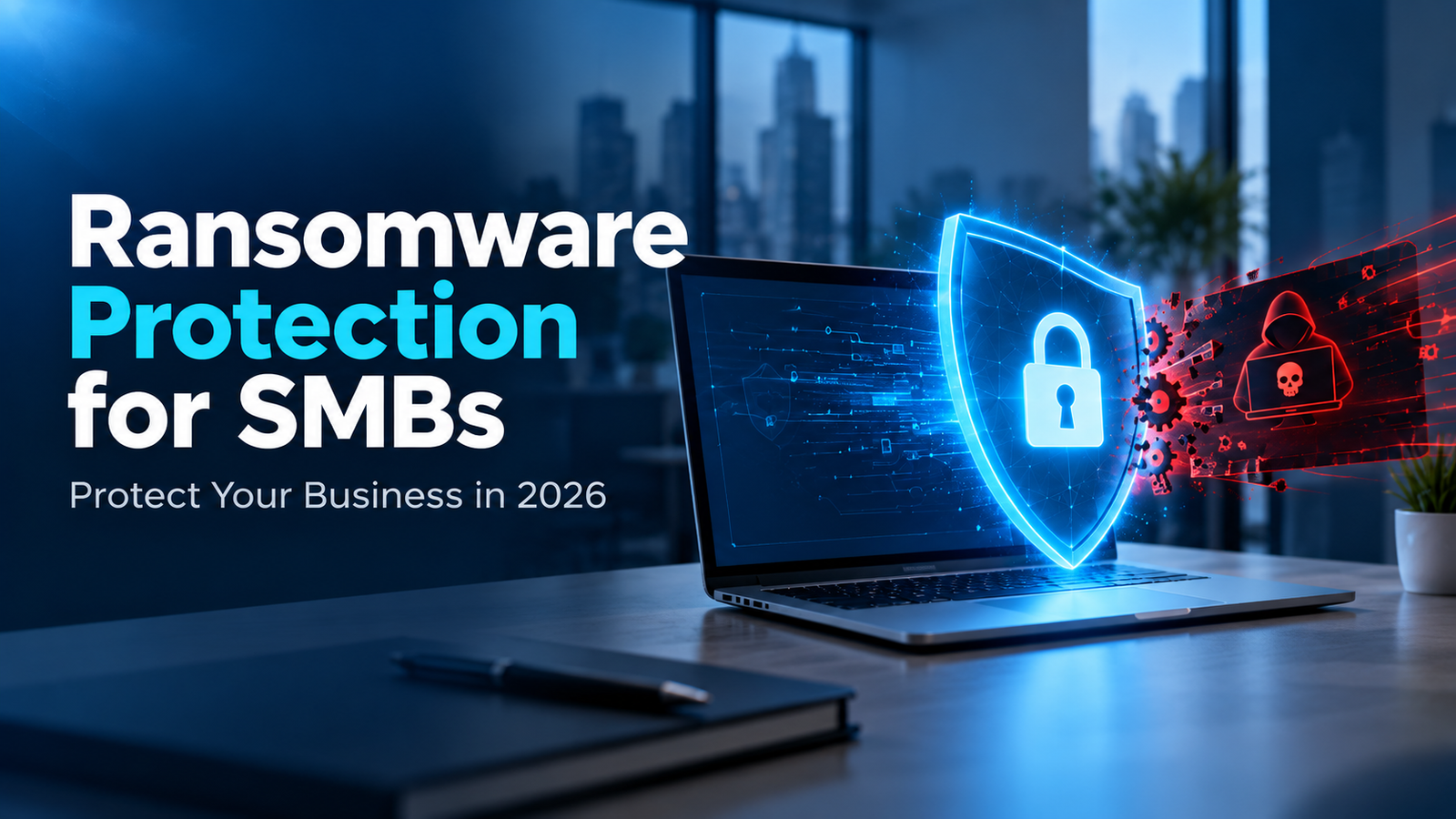
Cyberattacks are becoming more sophisticated every year, and ransomware remains one of the most dangerous threats facing businesses today. While large enterprises often make headlines when they suffer cyberattacks, small and medium-sized businesses (SMBs) are increasingly becoming the preferred targets of cybercriminals. Many SMBs lack dedicated cybersecurity teams, advanced security tools, and disaster recovery plans, making them vulnerable to ransomware attacks.
A successful ransomware attack can bring business operations to a standstill, lock critical files, disrupt customer service, damage your reputation, and result in significant financial losses. For many small businesses, the impact can be devastating enough to threaten their long-term survival.
The good news is that ransomware attacks can be prevented with the right combination of technology, employee awareness, proactive monitoring, and reliable backup solutions. In this comprehensive guide, we will explore what ransomware is, why SMBs are targeted, common attack methods, and the best strategies to protect your business from ransomware threats.
What Is Ransomware?
Ransomware is a type of malicious software (malware) designed to encrypt files, databases, servers, or entire networks. Once the files are encrypted, cybercriminals demand a ransom payment in exchange for a decryption key that allegedly restores access to the data.
Modern ransomware attacks often go beyond encryption. Many attackers now steal sensitive business information before encrypting systems. They then threaten to publicly release confidential data unless the ransom is paid. This tactic is known as double extortion.
Ransomware can affect:
- Business servers
- Workstations and laptops
- Cloud storage environments
- Customer databases
- Financial records
- Email systems
- Remote desktop servers
- Backup repositories
The consequences can include prolonged downtime, revenue loss, legal liabilities, and loss of customer trust.
Why SMBs Are Prime Targets for Ransomware
Many small business owners believe their company is too small to attract cybercriminals. Unfortunately, this misconception often makes SMBs easier targets.
Limited Security Resources
Unlike large corporations, most SMBs operate with limited IT budgets and fewer cybersecurity resources. This often leads to gaps in security that attackers can exploit.
Valuable Business Data
Even small businesses store valuable information, including:
- Customer records
- Financial information
- Employee data
- Vendor contracts
- Intellectual property
Cybercriminals know this data has value and can be leveraged for extortion.
Lack of Security Awareness
Many ransomware infections begin with human error. Employees may unknowingly click malicious links, download infected files, or provide credentials to phishing websites.
Inadequate Backup Systems
Businesses without reliable backups are more likely to pay ransoms because they have no other way to recover critical data.
Remote Work Risks
The rise of remote work has expanded attack surfaces through unsecured devices, weak passwords, and poorly configured remote access systems.
How Ransomware Attacks Work
Understanding how ransomware attacks occur is the first step toward prevention. A typical ransomware attack follows these stages:
- Stage 1: Initial Access – Attackers gain access through phishing emails, RDP vulnerabilities, weak passwords, or software exploits.
- Stage 2: Network Exploration – Once inside, attackers explore the network to identify critical servers, backup systems, sensitive data, and administrative accounts.
- Stage 3: Data Theft – Attackers steal sensitive files before encryption for extortion leverage.
- Stage 4: Encryption – Files and systems are encrypted, making them inaccessible.
- Stage 5: Ransom Demand – Attackers present a ransom note demanding payment, often in cryptocurrency.
Common Ransomware Attack Vectors
- Phishing Emails: The most common delivery method, disguised as fake invoices, shipping notifications, or tax messages.
- Remote Desktop Attacks: Exploiting exposed RDP ports, weak passwords, or lack of multi-factor authentication.
- Software Vulnerabilities: Outdated applications and unpatched operating systems.
- Malicious Downloads: Fake software updates, infected websites, and unauthorized applications.
- Supply Chain Attacks: Compromising trusted vendors or software providers to reach multiple client networks.
Warning Signs of a Ransomware Attack
Early detection can reduce damage significantly. Watch for:
- Unexpected file encryption or new file extensions appearing
- Sudden inability to access business files
- Unusual system slowdowns and high CPU/disk activity
- Unauthorized user account activity or permission changes
- Disabled security software or deleted event logs
- Large amounts of data being transferred externally
- Suspicious pop-up messages
Best Ransomware Protection Strategies for SMBs
1. Implement Advanced Endpoint Security
Traditional antivirus solutions are no longer sufficient against modern ransomware. Businesses should deploy Next-Generation Antivirus (NGAV), Endpoint Detection and Response (EDR), behavioral monitoring, and AI-powered threat detection.
2. Use Multi-Factor Authentication (MFA)
Passwords alone cannot adequately protect business systems. Enforce MFA via mobile authenticator apps, security tokens, or biometrics across all employee accounts and VPNs.
3. Secure Remote Desktop Access
Disable public RDP ports, restrict access by authorized IP whitelisting, enforce strong passwords, require MFA, and mandate VPN tunneling.
4. Maintain Regular Software Updates
Keep operating systems, business applications, firewalls, and firmware patched through automated patch management.
5. Train Employees on Cybersecurity Awareness
Conduct regular training on phishing recognition, social engineering tactics, password hygiene, and instant incident reporting protocols.
The Importance of Data Backups (The 3-2-1 Rule)
Backups are your last line of defense against ransomware.
The 3-2-1 Backup Rule: Keep 3 copies of your data, across 2 different storage media, with at least 1 copy offsite or in an immutable cloud repository.
- Automate daily backups
- Encrypt backup data in transit and at rest
- Regularly test backup restoration procedures
- Air-gap or isolate backups from production systems
Network Security & Cloud Protection
Implement network segmentation to separate financial, customer, and administrative databases. Deploy modern firewalls, intrusion detection systems (IDS/IPS), and least-privilege cloud access management.
Managed IT Services and Ransomware Prevention
Many SMBs lack the internal expertise required to maintain 24/7 security operations. Partnering with a Managed Service Provider (MSP) gives you continuous monitoring, vulnerability patching, backup oversight, and disaster recovery readiness at a fraction of the cost of an internal team.
What To Do If Your Business Experiences a Ransomware Attack
- Isolate Affected Systems: Disconnect infected devices from the network immediately.
- Activate Incident Response Plan: Follow predefined emergency containment procedures.
- Notify Your IT Security Team: Launch forensic investigation and containment.
- Preserve Evidence: Do not delete logs or wipe drives before analysis.
- Restore From Verified Backups: Use clean, offline backups to restore systems.
- Report the Incident: Notify relevant regulatory authorities if required.
- Conduct a Security Review: Identify vulnerabilities and strengthen defenses to prevent future attacks.
Future Ransomware Trends in 2026
The ransomware landscape continues to evolve rapidly. Businesses should prepare for:
- AI-Powered Phishing Attacks: Artificial intelligence enables highly convincing and automated phishing campaigns.
- Double and Triple Extortion: Attackers target customers, vendors, and partners in addition to the primary victim.
- Cloud-Focused Attacks: As businesses migrate workloads, attackers increasingly target cloud infrastructure.
- Supply Chain Compromises: Exploiting trusted software vendors to reach hundreds of organizations simultaneously.
- Ransomware-as-a-Service (RaaS): Criminal groups selling plug-and-play ransomware kits to less-skilled attackers.
Why Choose Mounteko Global Solutions for Ransomware Protection?
At Mounteko Global Solutions, we understand the cybersecurity challenges facing modern SMBs. Our team helps businesses build secure, resilient, and scalable IT environments that reduce ransomware risks and improve operational continuity.
Our core cybersecurity services include:
- Managed IT Services
- Secure Cloud Hosting
- Data Backup and Disaster Recovery
- Remote Desktop Security
- 24/7 Network & Threat Monitoring
- Endpoint Protection (EDR / NGAV)
- Cybersecurity Consulting & Compliance
- 24/7 Dedicated Technical Support
Conclusion
Ransomware is one of the most serious cybersecurity threats facing small and medium-sized businesses today. The financial, operational, and reputational damage caused by a successful attack can be devastating. However, businesses can significantly reduce their risk through proactive cybersecurity measures.
By implementing strong endpoint protection, securing remote access, training employees, maintaining reliable backups, and partnering with experienced IT professionals, SMBs can create a robust defense against ransomware attacks.
If you are looking for expert assistance with ransomware protection, cloud security, managed IT services, or disaster recovery planning, visit Mounteko.com and discover how our cybersecurity solutions can help safeguard your business.